
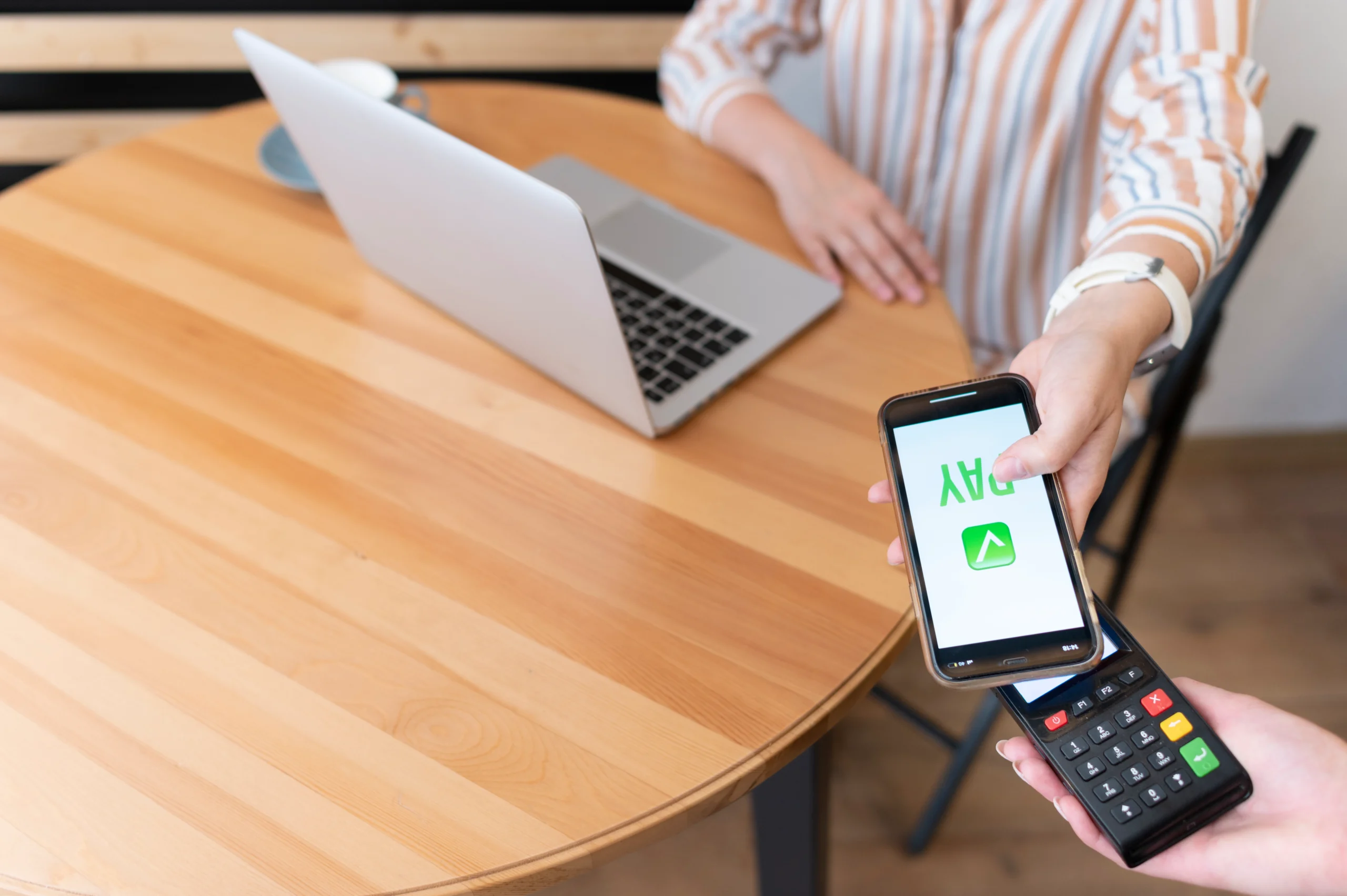
In a world where digital transactions are becoming the norm, Apple Pay safety has become a top concern for millions of users. Whether you’re tapping your iPhone at a grocery store or shopping online from your iPad, understanding how Apple Pay protects your financial information is essential. This guide breaks down exactly how Apple Pay works, what makes it secure, and whether you should trust it with your daily transactions.
What Is Apple Pay and How Does It Work?
Apple Pay is a mobile payment and digital wallet service developed by Apple Inc. It allows users to make payments in person, in iOS apps, and on the web using Safari. Supported on iPhone, iPad, Apple Watch, and Mac, it integrates seamlessly into the Apple ecosystem.
When you set up Apple Pay, you link your credit or debit card to the Wallet app. However, your actual card number is never stored on your device or on Apple’s servers. Instead, a unique Device Account Number is assigned and encrypted. This is the foundation of how Apple Pay works from a security standpoint.
How to Set Up Apple Pay
Setting up Apple Pay is straightforward. Open the Wallet app on your iPhone, tap the plus icon, and follow the prompts to add your credit or debit card. Your bank will verify the card, and once approved, you can start making payments almost instantly.
- Open the Wallet app on your iPhone or iPad
- Tap the + icon to add a new card
- Enter your card details or scan the card with your camera
- Verify with your bank via SMS or phone call
- Start using Apple Pay in stores, apps, or online
Apple Pay Safety: The Technology Behind It
Apple Pay safety is built on several layers of advanced security technology. Understanding these layers helps explain why Apple Pay is widely regarded as one of the most secure payment methods available today.
Tokenization
Tokenization is the core of Apple Pay’s security model. When you add a card, Apple Pay replaces your real card number with a unique encrypted token called a Device Account Number. This token is stored in the Secure Element, a dedicated chip on your device rather than in the main operating system. When you make a purchase, this token is used instead of your actual card number, meaning merchants never see your real financial details.
Biometric Authentication
Every Apple Pay transaction requires authentication via Face ID, Touch ID, or your device passcode. This means even if someone gains access to your phone, they cannot complete a transaction without your biometric data. This layer of protection dramatically reduces the risk of unauthorized transactions.
Dynamic Security Codes
Each transaction generates a unique one-time security code that works in combination with your Device Account Number. Even if a hacker intercepts a transaction, the data is useless for future purchases because the code expires immediately after use.
Is Apple Pay Secure? Real-World Use Cases
Is Apple Pay secure? The short answer is yes, and here is why it holds up in real-world scenarios.
Imagine you are shopping at a large retail chain and the store suffers a data breach. With a traditional card swipe, your real card number could be compromised. With Apple Pay, the retailer only ever received a tokenized number; your actual card data was never exposed to the merchant’s systems.
Another scenario: your iPhone gets stolen. Before the thief can do anything, they need your Face ID or fingerprint to authorize any payment. Apple Pay also integrates with Find My, allowing you to remotely disable your cards in the Wallet app, something you cannot do with a physical wallet.
Apple Pay vs Google Pay: Which Is Safer?
The Apple Pay vs Google Pay debate is common among users choosing between iOS and Android ecosystems. Both platforms use tokenization and biometric authentication, making them comparably secure at a fundamental level. However, there are a few distinctions worth noting.
- Apple Pay stores the Device Account Number in a dedicated Secure Element chip
- Google Pay uses a Host Card Emulation (HCE) model that processes through the cloud
- Apple Pay requires biometric authentication for every transaction by default
- Both platforms use dynamic transaction codes for each payment
From a pure Apple Pay safety perspective, the Secure Element chip in Apple devices provides an additional hardware-level barrier. That said, Google Pay is also considered highly secure and widely trusted.
Apple Pay Fees: What Does It Cost?
One of the most attractive aspects of Apple Pay is that it costs nothing for consumers to use. Apple Pay fees are not passed to the end user. You pay exactly the same amount as you would with a physical card. Merchants and banks absorb the minimal processing fees on the backend, and Apple receives a small fraction of the interchange fee from banks, not from you.
There are no monthly fees, no setup costs, and no per-transaction charges for everyday consumers. This makes Apple Pay safety not just a security upgrade, but also a financially smart choice.
Potential Risks and Limitations of Apple Pay
No system is entirely without risk. While Apple Pay safety standards are high, there are a few considerations to keep in mind.
- Phishing attacks can trick users into linking fraudulent cards or accessing fake Apple portals
- If you lose access to your Apple ID, recovering your Wallet can be complicated
- Apple Pay requires a compatible device and iOS version, limiting accessibility for older devices
- Not every merchant or country supports Apple Pay, which can create inconvenience
Despite these limitations, the architecture of Apple Pay makes traditional card fraud and data interception significantly harder for bad actors.
Apple Pay for Online Shopping and Business
Beyond in-store payments, Apple Pay safety extends to online and in-app purchases. When you shop on an app or website that supports Apple Pay, you can check out without entering your card number. This protects you from having your data stored insecurely by third-party retailers, a common source of data breaches.
For businesses, integrating Apple Pay increases consumer confidence and conversion rates. Studies consistently show that customers are more likely to complete a purchase when trusted, secure payment methods are available at checkout.
Conclusion
Apple Pay safety is not just a marketing claim; it is backed by robust, multi-layered security architecture including tokenization, biometric authentication, and dynamic transaction codes. Compared to swiping a physical card, using Apple Pay significantly reduces the risk of your financial information being compromised. Whether you are making in-store purchases, shopping online, or paying within apps, Apple Pay remains one of the most secure and convenient payment options available in 2026. For anyone asking whether Apple Pay is secure enough for everyday use, the evidence firmly says yes.
